
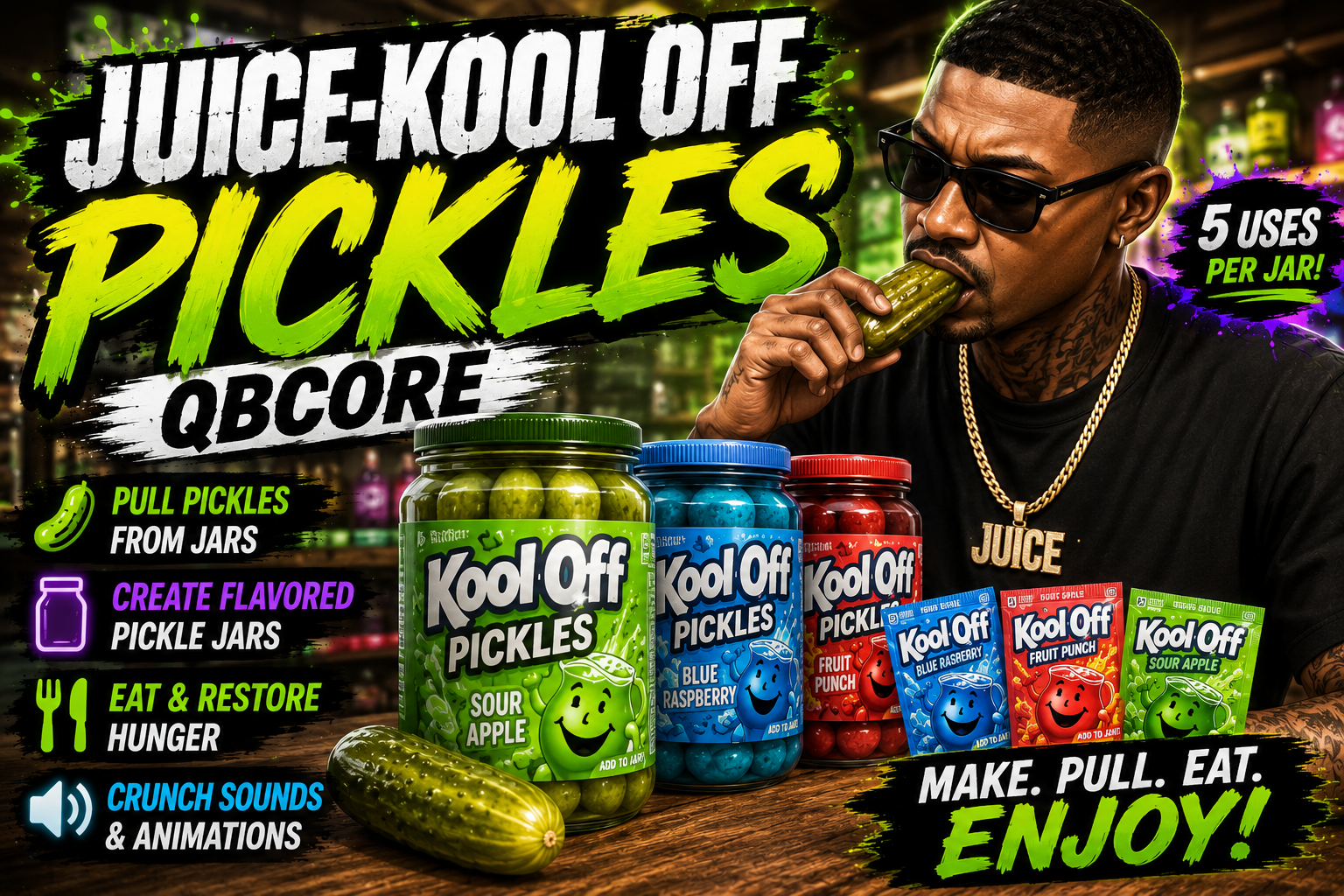
Juice-KoolAidPickles | QBCore
Add fully interactive Kool-Aid pickles to your FiveM server with custom props, animations, sounds, reusable jars, and flavored pickle crafting.
Players can pull pickles straight out of jars, mix Kool-Aid packets into regular pickle jars to create flavored versions, and eat pickles with immersive animations and crunch sounds.
Built for QBCore with ox_lib support.
Features
✅ Pull pickles directly from pickle jars
✅ Create multiple flavored Kool-Aid pickle jars
✅ Reusable jars with metadata-based uses
✅ Custom animations, props, and sounds
✅ Server-side item validation
✅ Hunger restoration support
✅ Progress bars with cancel support
✅ ox_lib context menus
✅ Lightweight and optimized
✅ Supports custom streamed props/models
✅ Cleanup command for stuck props
Included Flavors
🥒 Regular Pickles
🫐 Blue Raspberry Pickles
🍓 Fruit Punch Pickles
🍏 Sour Apple Pickles
How It Works
Pickle Jars
Players can use pickle jars directly from their inventory.
Regular jars allow players to:
- Pull regular pickles from the jar
- Mix Kool-Aid packets into the jar to create flavored pickles
Flavored jars allow players to:
- Pull flavored pickles directly from the jar
Each jar has:
- 5 total uses
- Metadata tracking
- Automatic removal once empty
Pull Pickles From Jars
Players physically pull pickles out of jars using:
- Custom animations
- Attached props
- Timed progress bars
Every use updates the jar until all pickles are gone.
Create Kool-Aid Pickles
Players can combine:
- A regular pickle jar
- A matching Kool-Aid packet
To create flavored pickle jars.
The system includes:
- Mixing animations
- Custom prop attachments
- Automatic item conversion
- Full server-side validation
Eat Pickles
Players can eat pickles with:
- Eating animations
- Pickle props
- Crunch sound effects
- Hunger restoration
Progress bars are cancelable and items are only removed after successful completion.
Dependencies
- qb-core
- qb-inventory
- ox_lib
Utility Command
/juicepickleclear
Removes stuck pickle, jar, or Kool-Aid props from the player.
Installation
- Add the included items to:
qb-core/shared/items.lua
-
Add the included item images to your inventory image folder.
-
Place the resource inside your resources folder:
Juice-KoolAidPickles
- Add this to your
server.cfg:
ensure Juice-KoolAidPickles
Make sure the resource starts after:
- qb-core
- qb-inventory
- ox_lib
- your custom prop streaming resource
Optimized & Production Ready
This resource was built for real RP servers and designed to be smooth, lightweight, and easy to use.
Includes:
- Proper prop cleanup
- Metadata support
- Server-side validation
- Optimized idle usage
- Smooth animation flow
Support
If you run into issues, double check:
- Dependencies are installed correctly
- Your prop streaming resource starts before this script
- Items and images were added properly